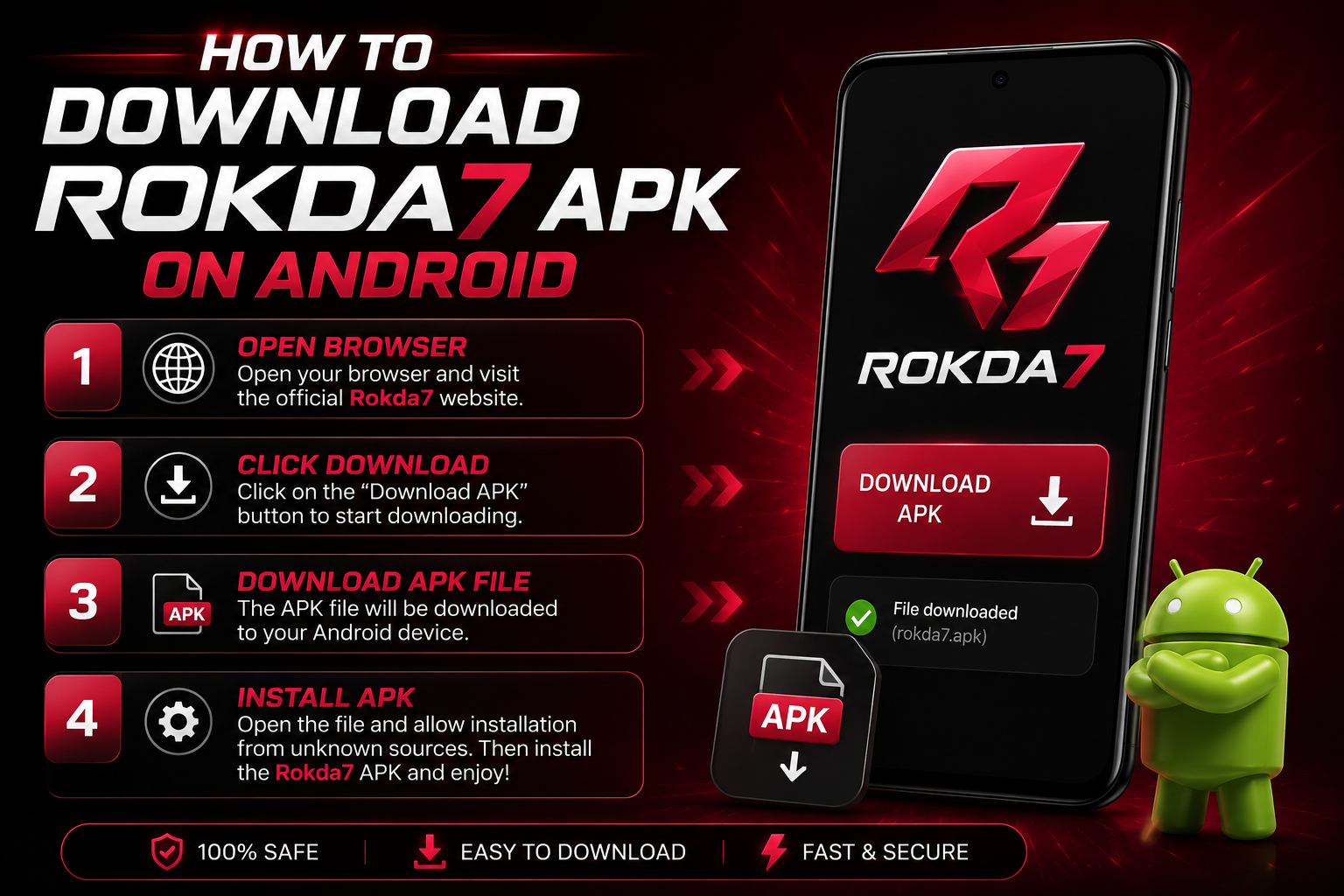
Getting started on Rokda7 takes less than five minutes. Because real-money gaming apps aren't distributed through the Google Play Store, you install Rokda7 using an APK file — the standard Android app package. This guide walks you through every step safely, so you can claim your ₹10,000 welcome bonus and start playing on India's premium gaming arena.
Before you start: Rokda7 is strictly 18+ and not available in Andhra Pradesh, Assam, Odisha, Telangana, Nagaland and Sikkim. Make sure you're eligible to play in your state.
What is an APK and is it safe?
An APK (Android Package Kit) is simply the installer file for an Android app — the same format Google Play uses behind the scenes. Downloading an APK directly is completely safe as long as you get it from the official source. The Rokda7 APK is scanned for malware and served over an encrypted SSL connection, so the file you download is exactly the one the developers published.
Step 1: Tap the official download link
Open this site on your Android phone and tap any "Download APK" button. The file is roughly 45 MB and downloads in a few seconds on 4G or Wi-Fi. Avoid third-party "mirror" sites — they often bundle fake or tampered files.
Step 2: Allow installation from unknown sources
Because the app isn't from the Play Store, Android asks for permission the first time. When you open the downloaded file, you may see a prompt. Here's what to do:
- Tap Settings when the prompt appears.
- Find "Install unknown apps" and select your browser or file manager.
- Toggle "Allow from this source" on.
- Go back and tap the APK again to continue.
On Android 5–7 the same option is labelled "Unknown sources" under Settings → Security. You only need to do this once.
Step 3: Install the app
Tap Install and wait a few seconds. When it finishes, tap Open to launch Rokda7. The full install — download plus setup — usually takes under a minute even on budget devices.
Step 4: Register your account
Sign up with your mobile number and verify it with the OTP you receive. You'll need to confirm you are 18 or older. Choose a strong password and, if prompted, complete the quick KYC step — it speeds up your first withdrawal later.
Step 5: Deposit and claim your bonus
Add funds via UPI, PhonePe, Google Pay or Paytm. The minimum deposit is ₹100. As soon as your first deposit lands, your ₹10,000 welcome bonus is credited to your bonus wallet automatically — no promo code required.
Troubleshooting common issues
- "App not installed": free up storage (you need ~100 MB) and try again.
- Download blocked: some browsers flag APKs by default — tap "Download anyway".
- Can't enable unknown sources: check that your device isn't managed by a work profile that restricts installs.
- Old version: always download the latest APK from this site to get new games and security fixes.
Keeping the app updated
Rokda7 notifies you in-app when a new version is available, and updates install in seconds. The current build is v3.2.1, which adds faster lobby loading and the new Plinko X game. You can always re-download the newest APK from our download page.
That's it — you're ready to play. Start small, learn one game well, and remember to set deposit limits so gaming stays fun.
Ready to play?
Download the Rokda7 APK and claim your ₹10,000 welcome bonus now.
Claim ₹10,000 Bonus